Understanding Apple’s Activation Lock

What It Is, Common Issues, and How to Resolve Them

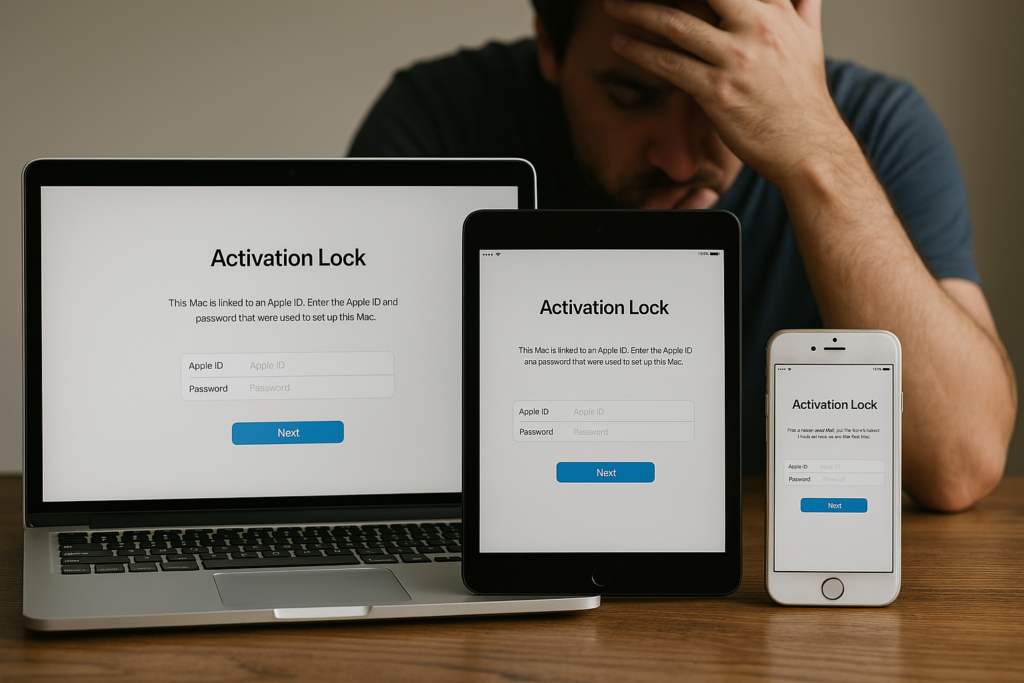
Apple’s Activation Lock is a security feature built into Find My iPhone, designed to protect your device and data if it’s ever lost or stolen. While it’s essential for preventing unauthorised access, it can also cause unexpected challenges for legitimate owners or second-hand buyers.

Here’s a breakdown of what you need to know and how to deal with potential issues.

What Is Activation Lock?

Activation Lock is automatically enabled when Find My [Device] is turned on. It locks the device to the Apple ID that was used to set it up. To access the device, the user must enter the original Apple ID and password—even after a factory reset.

Common Issues with Activation Lock

Buying Off the Street

These devices may be locked, stolen, or blacklisted, leaving the buyer with no recourse.

Buying online

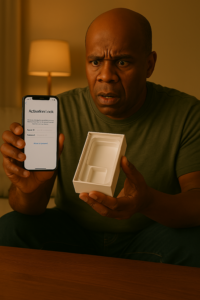
Buyers receive a device still linked to the previous owner’s Apple ID, making it unusable.

Forgotten Credentials

Owners who forget their Apple ID or password can get locked out of their own devices.

  • Unintentional Locks: Devices returned, donated, or resold without removing the lock.

  • IMEI Blacklisting: Even when buying from sellers online, a device might be blacklisted or activation-locked.

Solutions and Steps to Resolve Activation Lock Issues

💡 If You’re the Original Owner:

  • Visit: iForgot.Apple.com to recover your Apple ID or reset your password.

  • Use Your iCloud: Log in and turn off Find My [Device] before selling or giving away the device.

  • Proof of Purchase: If locked out, contact Apple Support with a valid proof of purchase. They may help remove the lock.

If You Bought a Locked Device:

  • Contact the Seller: Ask them to remove the device from their iCloud account remotely via iCloud.com.

  • Check Activation Lock Status:

    • Go to Settings > General > About or use the device’s IMEI (see below).

    • Visit Apple’s Check Coverage page: https://checkcoverage.apple.com for the warranty and activation status.

  • Avoid Third-Party Unlock Services: Many are scams or illegal. Only Apple can remove the lock lawfully.

Click To subscribe

Don’t Miss Out—Join Our Mailing List!

Stay in the know with our latest tips, tricks, and Apple product guides. By joining our mailing list, you’ll gain exclusive access to:

•Free weekly tech tips

•Sneak peeks at upcoming content

•Expert advice tailored to your Apple devices

Scroll to Top
aa mac
Privacy Overview

This website uses cookies so that we can provide you with the best user experience possible. Cookie information is stored in your browser and performs functions such as recognising you when you return to our website and helping our team to understand which sections of the website you find most interesting and useful.