
A Guardian on Their Wrist 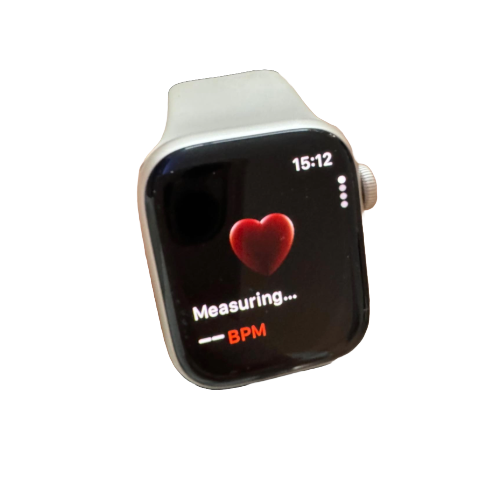
The Apple Watch is like having a caring companion right on your loved one’s wrist:
- Fall Detection automatically recognizes if they’ve fallen and can call for help if needed
- Emergency SOS lets them quickly contact emergency services with just a button press
- Health tracking monitors important vitals like heart rate and activity levels
- Medication reminders help them stay on schedule with important prescriptions
💡 Picture this: A lady is gardening confidently in her backyard, knowing help is just a tap away if she needs it!
Communication Made Simple
 iPhones come with fantastic features that make them perfect for older adults:
- Larger text options make reading messages and news so much easier
- Magnifier tool turns the phone into a digital magnifying glass for reading menus or medicine labels
- FaceTime brings family faces and voices right to them, even when you’re miles apart
- Simplified home screen options reduce confusion
Best choices for seniors:
- iPhone SE (budget-friendly and straightforward)
- iPhone 15 Plus (larger screen that’s easier on aging eyes)
💡 Imagine: Your dad smiling as he video chats with his grandchildren, no matter how far away they live!
 The All-In-One Wonder
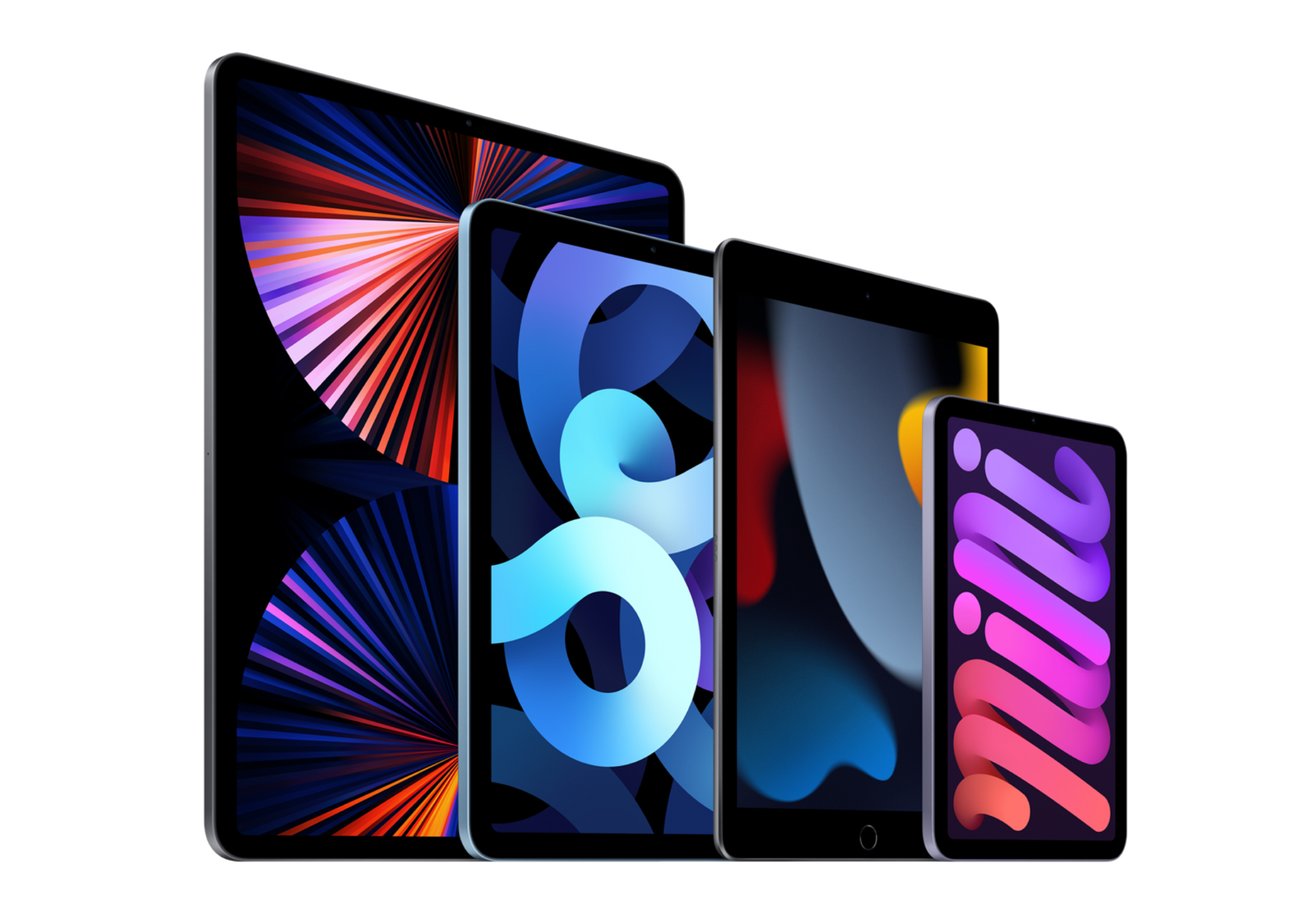
iPads offer a larger screen experience that many seniors love:
- Perfect for reading digital books with adjustable text size
- Great for entertainment like watching shows or playing brain-training games
- Photo albums are beautiful and easy to flip through
- Assistive Access feature simplifies everything for those who might feel overwhelmed
💡 Visualise your grandmother relaxing in her favorite chair, enjoying photos of family gatherings, or reading a novel with perfectly sized text!
You must be logged in to post a comment.